

Skip to content

Studio-grade photo
edits, in one click.

AI-supported editing tools may help transform everyday images into more polished visuals, potentially making the creative process feel simpler and easier to manage.

One day starter plan · Easy checkout

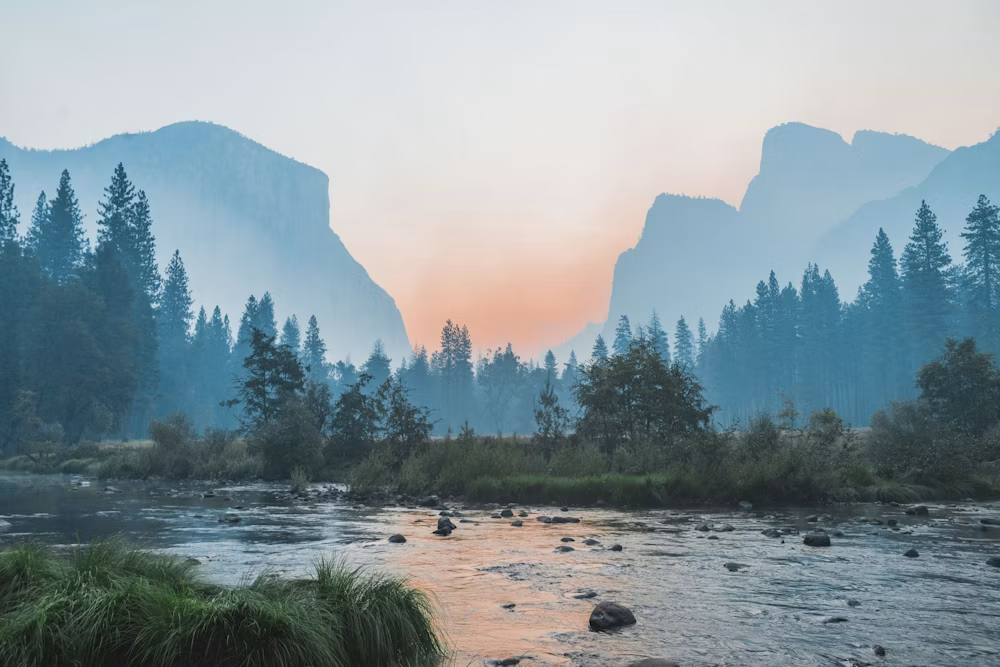
Mountain lake at dusk, edited in Pic Edit

Editing for 40,000+ studios, sellers and photographers

  • Northlight Studio
  • Foldera
  • Rehue
  • Kanto Media
  • Studio Mave
  • Blume & Co
  • Arclet
  • Paperbird
#Features

Tools that may replace
an afternoon of editing

Every tool runs on your file in about few seconds and stays non-destructive, so you can undo any step at any point.

AI Background Remover

Cut anything out, edges intact

Background editing tools may help separate subjects from images, including more detailed edges and layered visual elements — in seconds.

See how it works
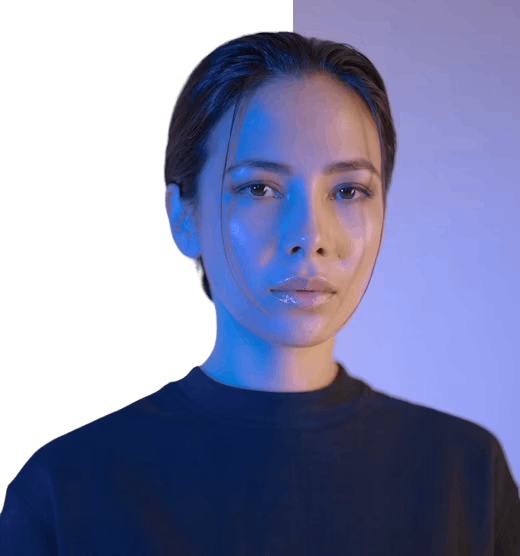
Portrait with the background removed
Background removed PNG · 4000px
Smart Retouching

Clean skin that still looks like skin

AI-assisted adjustments could help refine portraits through lighting, tone, and appearance-based enhancements while maintaining a natural look.

See how it works
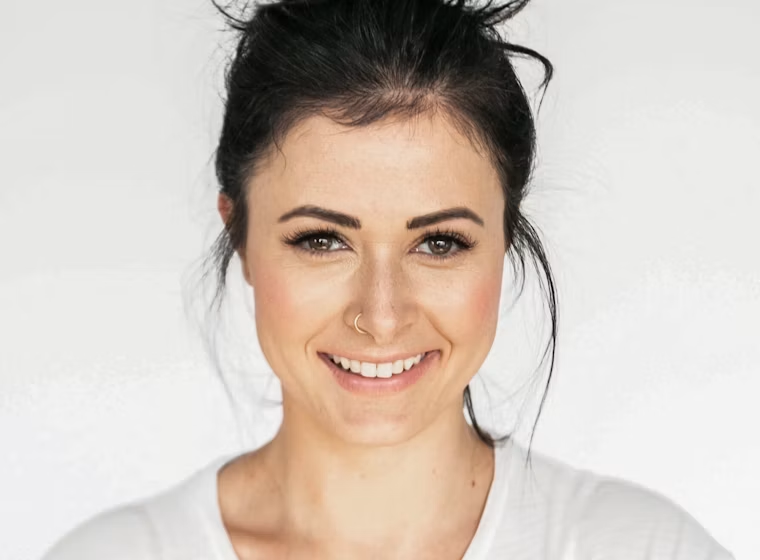
Portrait before retouching Original Retouched
Skin 62 Blemish 100 Texture kept
2× AI Upscaler

Make small files print-ready

AI-assisted upscaling tools may help enlarge images while attempting to maintain visual clarity across different display sizes and formats.

See how it works

Low resolution source crop
480 × 600  source
The same crop upscaled
1920 × 2400  upscaled
4× detail model Grain preserved
Premium Filters

Film looks that respect skin tone

A wide selection of preset styles may help users explore different visual tones and creative editing preferences with a single click.

See how it works

Field of orange flowers with a film grade applied Portra 400
Batch Processing

Edit five hundred photos while you make coffee

Editing settings may be applied across multiple images at once, which could help reduce repetitive editing steps and speed up your workflow.

See how it works
Autumn catalogue 48 of 60 done
  • IMG_2041.jpg
  • IMG_2042.jpg
  • IMG_2043.jpg
    64%
  • IMG_2044.jpg
    Queued
Recipe: Catalogue v3 Resize 2000px
Color Adjustment

Curves and warmth, in plain language

Editing controls may help users refine tones, brightness, and contrast to explore different visual styles and image appearances effortlessly.

See how it works
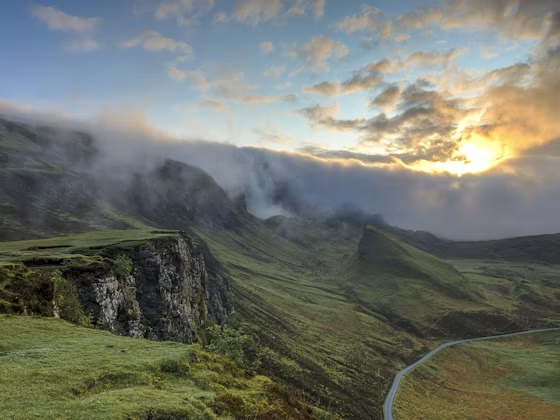
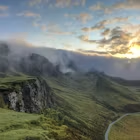
Foggy mountain summit with colour adjustments
Shadows +9
Highlights −6
Vibrance +22
Non-destructive Save as recipe
#HowItWorks

Three steps from raw
file to finished frame

No complex software. No learning curve. Just upload, pick your AI tool, and share — done in seconds.


Drag and drop or import directly from your system. Supports every major format including JPEG, PNG, WebP, GIF — up to 20MB per file.

Pick from 7+ specialized AI tools. Each one is purpose-built and optimized for a specific task — no generic guesswork, just precise results

Download in available formats and resolutions — then share to your team or save to your cloud gallery. Done in seconds, from any device.
Portrait edited in Pic Edit
#WhyPicEdit

Redefining Photo Editing With AI Power

Pic Edit is an AI-powered Photos Maker designed to enhance and transform your images with precision and ease — making professional results accessible to every creator.

AI-Powered

Automatic photo enhancement with AI technology that may refine every pixel.

Time-Saving Features

Photos Maker ensures quick, high-quality editing results in seconds.

User-Friendly

Easy navigation for beginners and experts alike — no learning curve.

What editing costs you today,
and what it costs here

Same catalogue, same standard. One route bills per photo, the other doesn't bill per photo at all.

Single Day Pass

$2.00/day

Perfect for a quick one-day editing session with no long-term commitment.

  • Short-term access to selected platform features
  • Designed for temporary or trial-based usage
  • Simple option for exploring editing tools
  • No long-term commitment required for initial access

Silver

$9.99/month

An affordable monthly plan for light and occasional image editing needs.

  • Access to essential editing and enhancement tools
  • Suitable for light and occasional image editing tasks
  • Simple option for basic creative needs
  • May help users explore the platform experience

Gold

$29.99/month

Our most popular plan — ideal for personal projects and everyday creative work.

  • Includes access to commonly used editing features
  • May suit personal projects and recurring image updates
  • Flexible option for moderate creative usage
  • Designed for everyday visual editing routines

Platinum

$34.97/month

Expanded storage and tools for regular content creators and design workflows.

  • Expanded access to editing and visual customization tools
  • Designed for regular content and image creation workflows
  • Suitable for users exploring multiple editing styles
  • Balanced option for consistent creative use

VIP

$39.99/month

Full access to every feature with maximum storage for power users and teams.

  • Access to the full range of available editing options
  • Suitable for ongoing creative and visual projects
  • Flexible usage for frequent image editing needs
  • May suit individuals or teams with higher activity levels

One day starter plan · Easy checkout

Questions you probably have

Users may upload and edit a variety of image formats depending on supported file types and platform usage guidelines, including JPEG, PNG, WebP, HEIC, GIF, and RAW.

The platform is designed to feel approachable for different experience levels, including users exploring image editing for the first time. No prior design or editing knowledge is required

Plan adjustments may be available depending on account status and the options currently offered on the platform. You can upgrade or downgrade at any time from your account settings.

Editing and processing times may vary depending on image size, selected tools, and overall platform activity. Most edits may be completed in as little as 10 seconds.

Images may be temporarily stored or processed depending on platform settings, user actions, and service-related requirements. Your cloud gallery and edit history are accessible from your account.

The tools may be explored for a variety of creative, personal, or visual content needs based on individual preferences and usage goals — from social media to professional portfolios.

Your best photos are
one click away.

Join creators and small studios who stopped paying per photo. One day starter plan · Easy checkout

Get Started Now